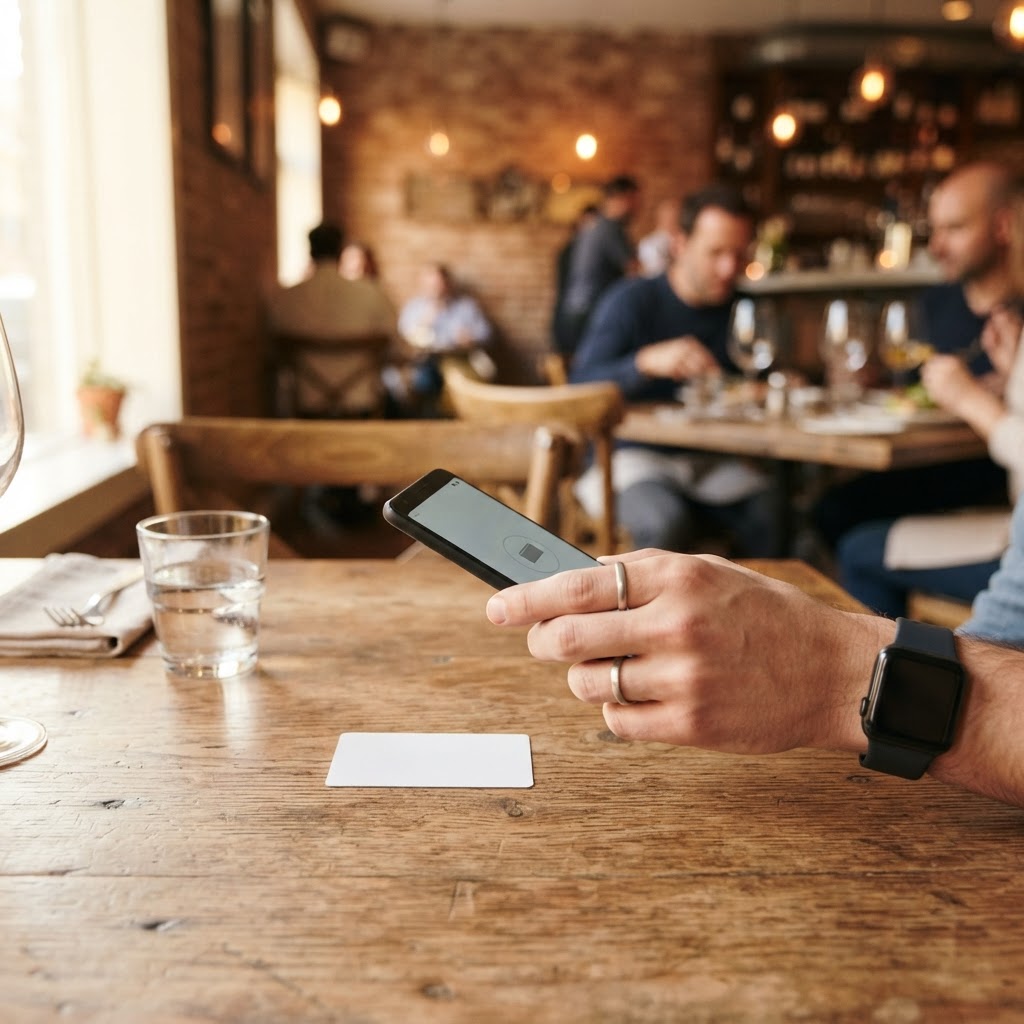
In short: Google reviews are the first business card of a local business. To get more, ask every customer right after the experience, with a direct link, a QR code or an NFC card. Reply to each review calmly, never buy them or cherry-pick who you ask, and use them as social proof. This guide brings the steps together.
1. Why reviews matter
People searching for a venue on Google look at the stars, the number of reviews and the owner's replies before deciding. Reviews also influence visibility in local search, together with other factors.
2. How to get more reviews, the right way
- Create the direct link to your listing's review form with the free link and QR generator.
- Put it where the customer already has the phone in hand: table, till, reception, workstation.
- Ask everyone at the end of the experience, with one simple sentence from your staff.
- Repeat every day: consistency beats a one-off campaign. If you start from zero, plan your first 30 days.
3. QR code or NFC card: which to choose
A QR code is read with the camera; an NFC card is tapped on the phone. Many cards have both. Read how an NFC review card works, step by step.
Da 49€/sede/mese · prova gratis 14 giorni
- Attivo in 30 secondi
- Nessun vincolo
- Si affianca al tuo gestionale attuale
4. How to reply, even to negative reviews
Reply within a day or two, say thank you, acknowledge the specific problem and offer to continue in private. See what to do about a negative Google review. A direct channel open to every customer, such as Real Time Feedback with the manager, lets you put things right while the guest is still on site; leaving a public Google review always stays possible.
5. What not to do
- Do not buy reviews.
- Do not write fake reviews or ask for them in exchange for discounts.
- Do not choose who to ask based on their mood: ask everyone.
6. Use reviews to sell more
Reviews are social proof: show them on your website, window and social profiles. With several locations, keep the same standard in each one. Estimate the effect with the free Google reviews calculator.
More detailed guides by sector are currently available in Italian.
Frequently asked questions
How many reviews do I need to see results?
There is no magic number: quantity, freshness and the quality of your replies all count. The calculator shows how many you need to reach the average you want.
Can I ask only satisfied customers?
No: ask everyone. Selecting customers can break the platform's rules and distorts your reputation.
How much does it cost to start?
The link and QR code are free to create. NFC cards and BoostWiFi tools have prices on their pages, with a 14-day free trial.
See how it works for restaurants and bars and for salons and beauty centres.