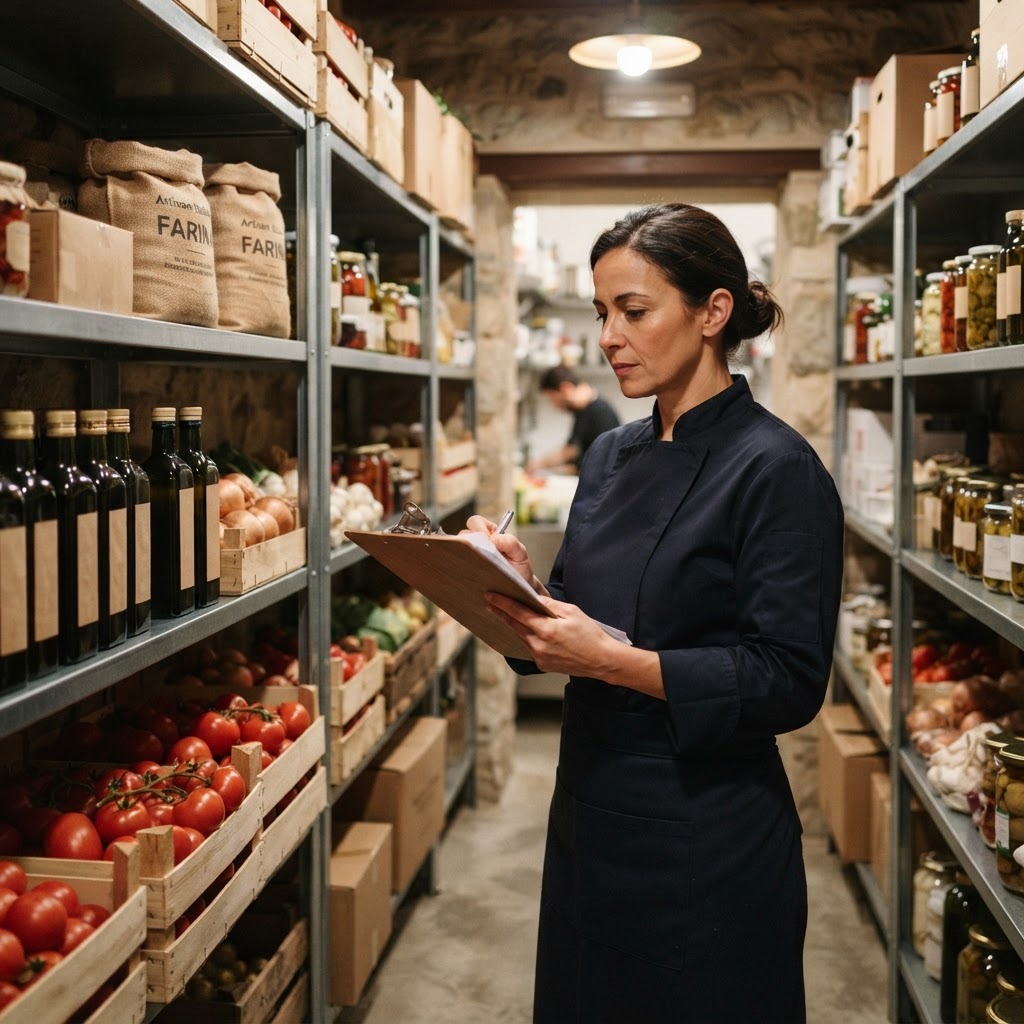
In short: Set a minimum quantity for every ingredient: when stock falls below the threshold, the item is flagged so you can reorder in advance rather than in an emergency.
Discovering that a key ingredient is out during service costs more than it seems: a dish removed from the menu mid-evening, a disappointed customer, or an urgent order paid at full price.
Why it happens, even to those who track inventory
With paper-based inventory, the moment someone notices a product is running low depends on memory—which is easy to forget during busy periods.
How an automatic minimum threshold works
For every item in stock, you can set a minimum quantity: when stock drops below that threshold, the item is automatically flagged.
Da 49€/sede/mese · prova gratis 14 giorni
- Attivo in 30 secondi
- Nessun vincolo
- Si affianca al tuo gestionale attuale
The practical advantage
- Planned, not urgent orders — reordering in advance ensures better terms.
- No surprise menu removals — you know in advance what is running low.
- Less tied-up capital — the minimum threshold also helps avoid the opposite problem of overstocking.
Frequently asked questions about minimum stock
How do I choose the threshold?
Start with your typical weekly consumption and add a buffer based on the supplier's delivery time.
Do I need to track everything?
Start with the ingredients that, if missing, would force you to remove a dish from the menu.
Where do I link the costs?
To the food cost of your dishes: You can calculate this with the food cost calculator.
How can I try it?
Try BoostWiFi free for 14 days. Visit the page for restaurants and bars.
3 steps to take today
- List your 10 most critical ingredients.
- Set a minimum threshold for each.
- Monitor the alerts for two weeks and adjust your thresholds.
Read also
- Digital menu widget for your website: a practical guide
- Food cost for chains: compare costs across locations
- How much does a menu dish really cost: calculating food cost