In short: A single QR code at the checkout opens Google reviews, social media, and booking links, capturing the customer at their most satisfied moment: right after their treatment.
The perfect moment: just after the treatment
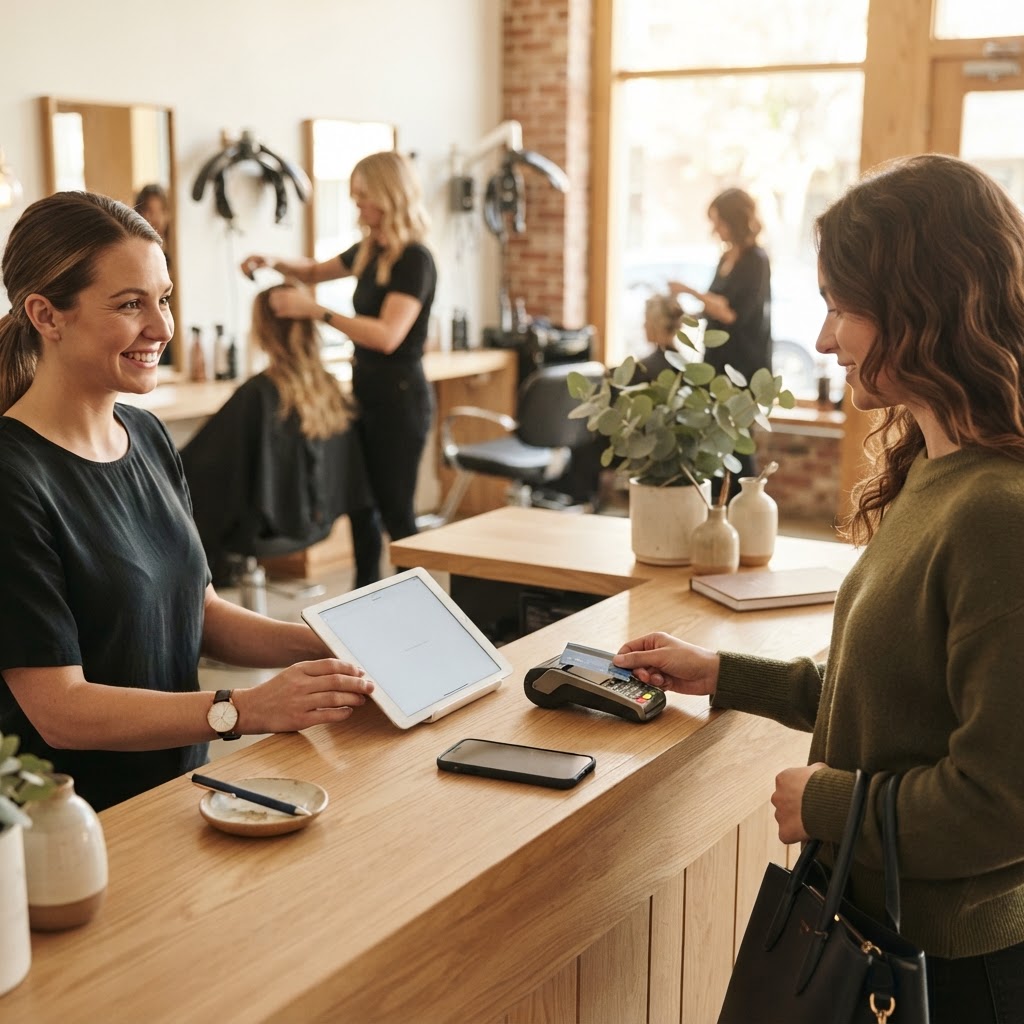
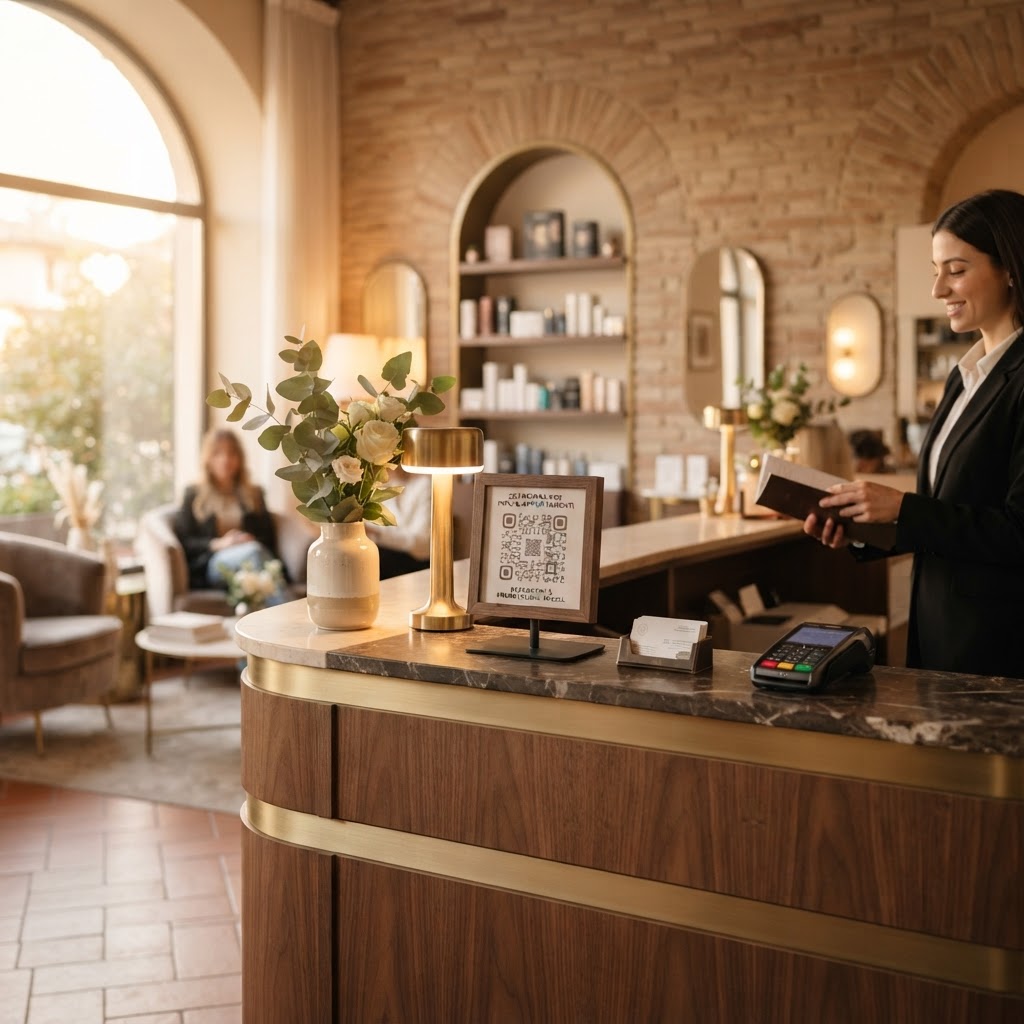
A customer is most satisfied right after leaving the treatment chair. A QR code at the checkout or reception, pointed out at that exact moment, converts much better than a generic sign.
What the QR code can contain
A single code can open a page with links to Google reviews, the salon's social media, and a direct booking form for the next appointment—all selected by the customer in seconds.
The effect on conversion rates
Compared to a simple paper business card, a QR code that leads directly to an action (review, follow, booking) removes the friction of manually searching for the salon on Google or Instagram, significantly increasing completion rates.
Adaptable for any time of day
The same QR code can be presented at different times with different priorities: at the reception upon arrival, emphasize booking; at checkout upon departure, emphasize reviews—a flexibility that static printed material cannot offer.
Da 49€/sede/mese · prova gratis 14 giorni
- Attivo in 30 secondi
- Nessun vincolo
- Si affianca al tuo gestionale attuale
Place it on the styling station mirror
Beyond the checkout, a small, discreet QR code near the styling station mirror catches the customer in the final minutes of the treatment, when they are seated with their phone often at hand and have just seen the final result.
A dedicated QR code for first-time clients
For those visiting for the first time, a version of the QR code can emphasize newsletter or social media sign-ups instead of reviews (which will come more naturally after a second visit), building a relationship before asking for a public rating.
Frequently asked questions about QR codes for salons
Where should I place it?
At the checkout, reception, and in the treatment room, wherever the customer has their phone.
How do I create the review link?
Using the free link and QR generator.
Can I use an NFC card?
Yes: NFC card with QR at the checkout.
How do I test it?
Try BoostWiFi free for 14 days. Explore our page for salons and beauty professionals.
3 steps to get started today
- Create a page with 3 actions.
- Print the QR code for checkout and treatment rooms.
- Ask every customer at the end of their treatment.
Read also
- Beauty salon franchising: consistent reputation everywhere
- Google reviews for salons: how to get more
- More salon bookings without spending on ads