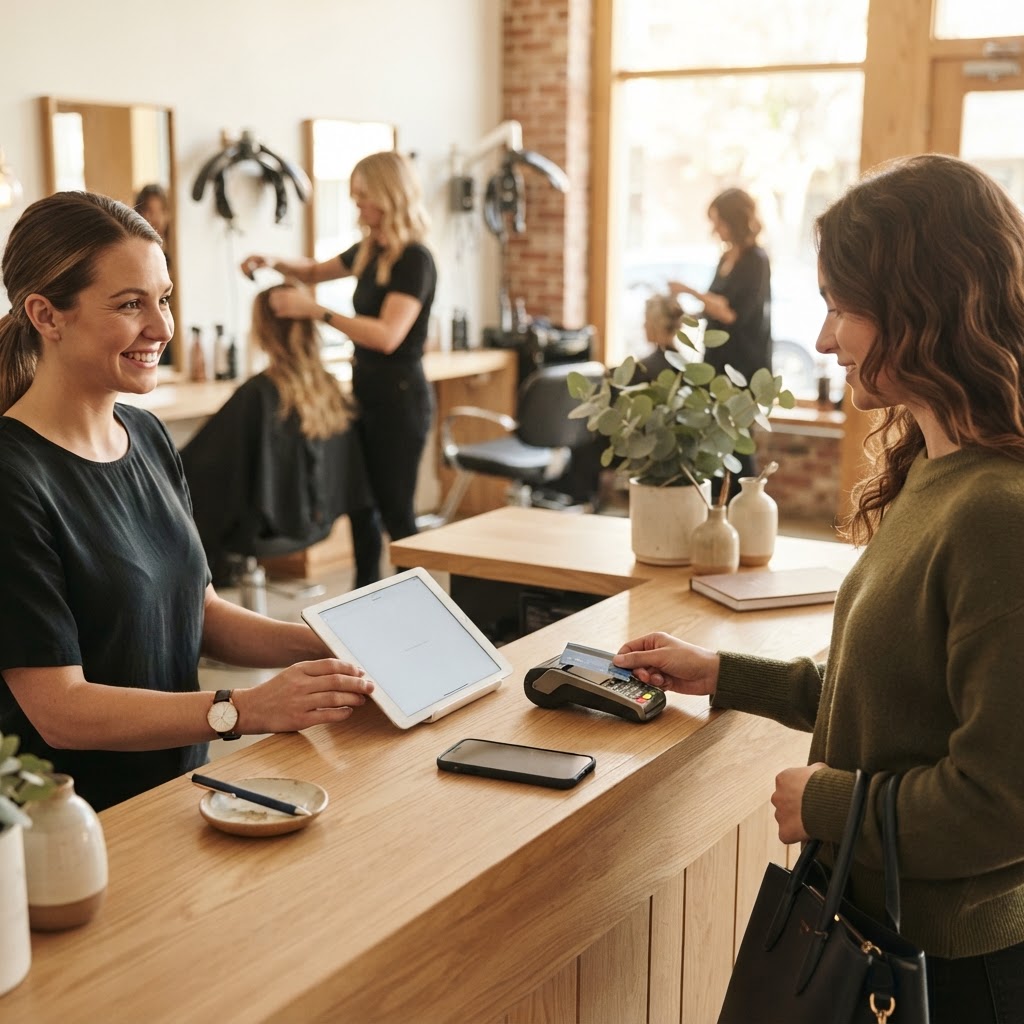
In brief: in a salon, you should ask for a review right after the service, when the client looks in the mirror, using a QR code or NFC card at the checkout and at the station. The script should be consistent for the entire team.
Why reviews matter more in a salon
People looking for a hairdresser or beautician almost always check Google stars before booking. A salon with many recent reviews seems more reliable than one with few old comments, even if the work quality is the same.
The right moment: immediately after the service
The client is at their most satisfied when looking in the mirror. That is the moment to ask: «Do you like it? If you'd like to leave us a review, just tap your phone here». Waiting days causes response rates to drop.
Where to place QR codes and NFC cards
- At the checkout, while the client is paying.
- At the station or next to the mirror.
- In the waiting area, so those waiting can leave a review for a previous visit.
Create a direct link with the free link and QR generator or use a ready-to-use NFC card with a QR code.
A phrase that works
Choose a short, consistent phrase for the entire team to use. A polite and specific request is better than a generic sign.
Da 49€/sede/mese · prova gratis 14 giorni
- Attivo in 30 secondi
- Nessun vincolo
- Si affianca al tuo gestionale attuale
Respond to every review
A personal thank you to those who write positive feedback, and a calm, helpful response to those who report an issue. Responses are visible: they show that there are real people behind the salon who listen.
Bring clients back to the salon
Reviews bring in new clients; loyalty points and reminders encourage existing ones to return. With a virtual queue via QR code, those arriving without an appointment will also know exactly how long they will have to wait.
In summary
- Ask immediately after the service.
- Place QR codes or NFC cards where the client has their phone in hand.
- Always use the same phrase.
- Respond to all reviews.
Frequently asked questions about salon reviews
When should I ask for them?
Right after the service, while the client is happy. Waiting for days significantly lowers the number of responses.
How many do I need?
It depends on your average and the competition in your area: the Google review calculator provides a clear number.
How do I create the link?
With the free link and QR generator: enter your salon details and download the ready-to-print QR code.
What should I use at the checkout?
An NFC card with a QR code: the client simply taps their phone. Check out the page for salons and beauty centers, with a 14-day free trial.
What to do today in 3 steps
- Create the direct link for reviews.
- Place QR codes or cards at the checkout and at the station.
- Choose a single phrase and use it with every client.
Read also
- Beauty salon management software: a guide to choosing
- QR codes for beauty salons: reviews and bookings
- How to increase Google reviews for a gym