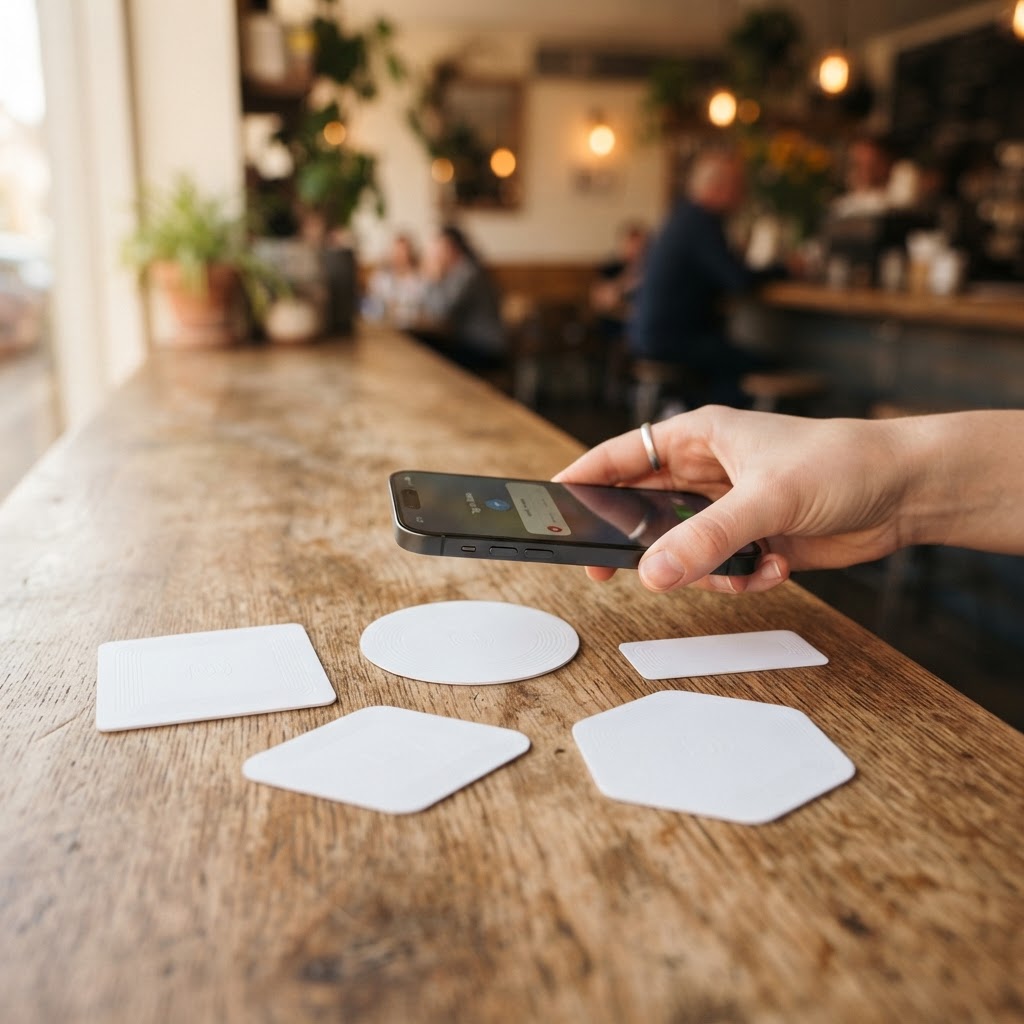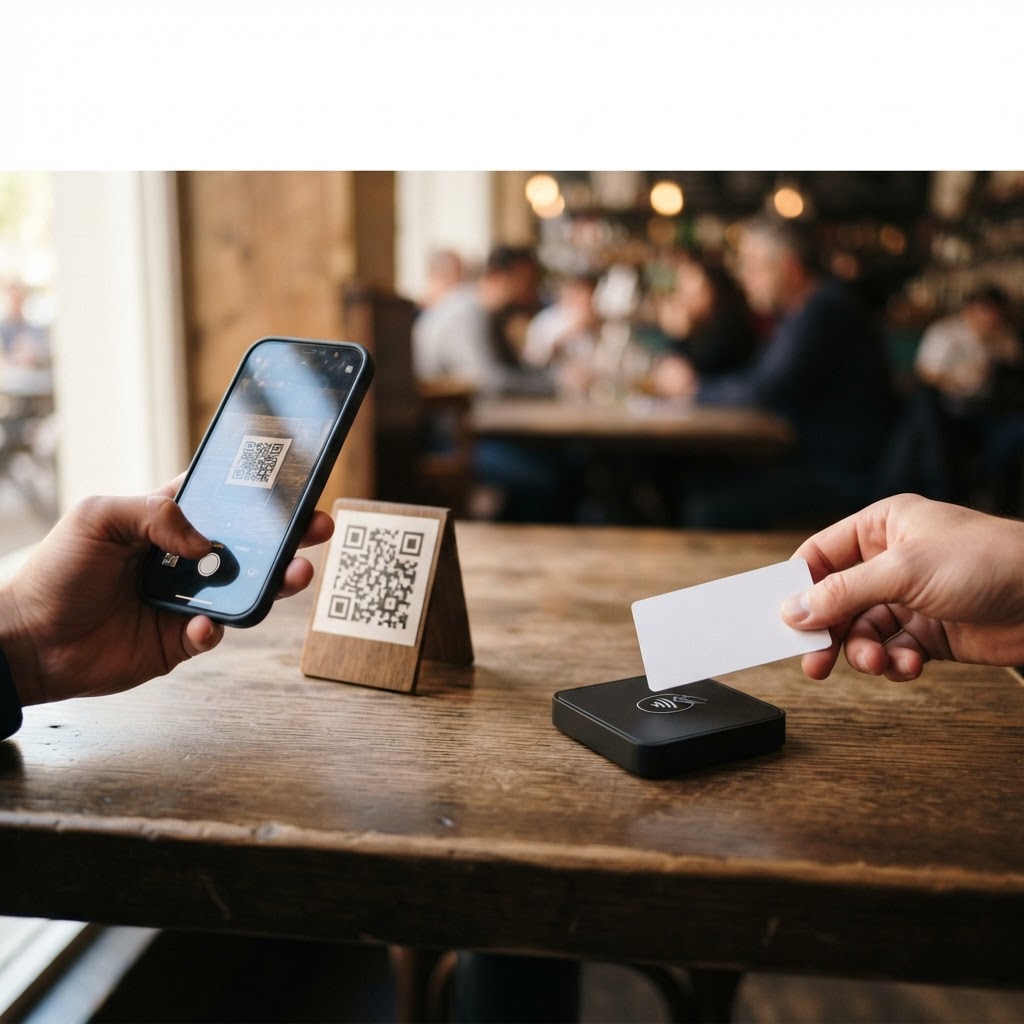
In short: you don't have to choose: use a card with both NFC and a QR code at the table or checkout, and a printed QR code on receipts, flyers, and takeout boxes. Both lead to the same review link.
The difference in a line
You scan a QR code with your camera; you tap an NFC card with your phone. Both open the same link: the page where the customer leaves the review.
Printed QR code: pros and cons
- Works on any smartphone with a camera.
- Can be printed anywhere: receipts, flyers, menus, windows, takeout boxes.
- Costs very little, or nothing if you create it yourself with the free Google review link and QR generator.
- Requires an extra step: opening the camera and scanning.
NFC card: pros and cons
- One gesture: just tap the phone.
- More noticeable and makes a professional impression on the table or counter.
- Works on most recent smartphones: older ones require a QR code.
- Costs more than a printed QR code.
When to use which
- Table, counter, reception: NFC card with QR, so the customer chooses the gesture they prefer.
- Receipt, flyer, takeout box: printed QR code, as you cannot place a card on every piece of paper.
- Departing customer: card handed over or QR on the receipt, to leave the review once home.
Da 49€/sede/mese · prova gratis 14 giorni
- Attivo in 30 secondi
- Nessun vincolo
- Si affianca al tuo gestionale attuale
The right answer: use them together
A card that has both an NFC chip and a QR code covers all phones with the same link. If the QR code is dynamic, you can even change the destination without reprinting. For details, read Dynamic vs. static QR codes.
A check to always perform
Before printing or ordering, test the link with two different phones, one iPhone and one Android, and verify that it opens the correct review page.
FAQs on NFC and QR for reviews
Do all phones read NFC?
Most recent smartphones do. For others, there is the QR code, which is why it is best to have both on the same card.
Which works better?
It depends on the moment: NFC is faster with a tap; QR can be printed anywhere. The biggest advantage is asking everyone, using the same approach.
How do I create the link?
With the free link and QR generator, no registration required.
Where can I find the NFC card?
On the activate NFC page. Also discover the page for restaurants and bars, with a 14-day free trial.
What to do today in 3 steps
- Create the direct link to the review.
- Test the QR code with an iPhone and an Android.
- Place the card on the table and a QR on the receipt.
Read also
- NFC Google review cards: prices and differences
- Paid vs. free review software: what to choose
- Corporate QR codes: free or paid plan?