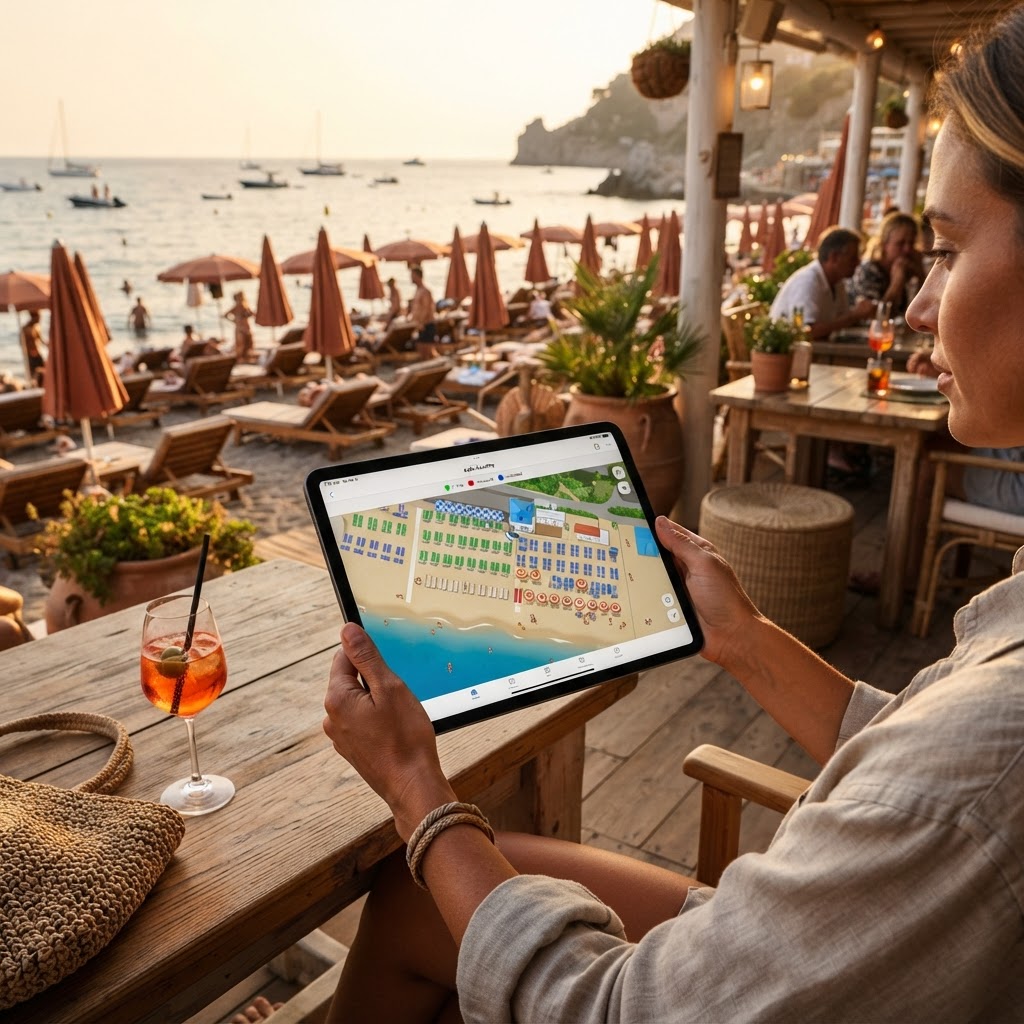
In short: the digital umbrella map displays every spot numbered and color-coded by status (available, occupied, deposit, paid) and allows guests to book them. It is activated by uploading a photo of the beach and defining the rows.
What a digital beach map includes
A photorealistic representation of the facility with each umbrella numbered and color-coded according to its status (available, occupied, deposit, paid), visible both to staff on the beach via smartphone and to guests looking to book online.
Typical costs to expect
The cost is almost always included in the monthly subscription fee of your chosen management platform, with no need to commission separate graphic renderings — the map is generated via artificial intelligence using an actual photo of the facility.
Steps to activate it
Upload a photo (even a satellite view) of the facility, specify the number of umbrellas per row, let the system generate the layout automatically, and finally verify/manually adjust any details before making it visible to customers.
Da 49€/sede/mese · prova gratis 14 giorni
- Attivo in 30 secondi
- Nessun vincolo
- Si affianca al tuo gestionale attuale
Connection to online bookings
A well-integrated map is not just visual: every clickable umbrella allows customers to book that specific spot directly, with the price (if the facility has different tiers) clearly shown before confirmation.
Seasonal updates
At the start of the season, if the umbrella layout changes or new rows are added, the map can be regenerated or edited directly from the dashboard, without having to start from scratch as you would with physical signage or a printed map.
Frequently asked questions about the umbrella map
How much does it cost?
It depends on the plan: check the price list to see what is included. You can try it with a 14-day free trial.
Do I need a professional survey?
No: just a photo, even from above, and the number of umbrellas per row; then you can correct the details by hand.
Can customers book from the map?
Yes, by choosing the spot and the tier. Read how QR code bookings work.
Where can I see the details?
On the page for beach clubs and swimming pools.
3 steps to get started today
- Take a photo of the facility from above.
- Indicate the rows and numbers of the umbrellas.
- Verify the map with your staff before opening it to customers.
Read also
- Interactive beach club map: prices and benefits
- Digital beach map: say goodbye to Excel
- How to sell beach umbrellas and loungers online commission-free